 HISTREE STUDIOS
5 Motion Graphics Tricks That Boost Retention
Small edits, big impact, the exact overlays and on-screen elements we build into every video to keep viewers watching past the 60% mark.

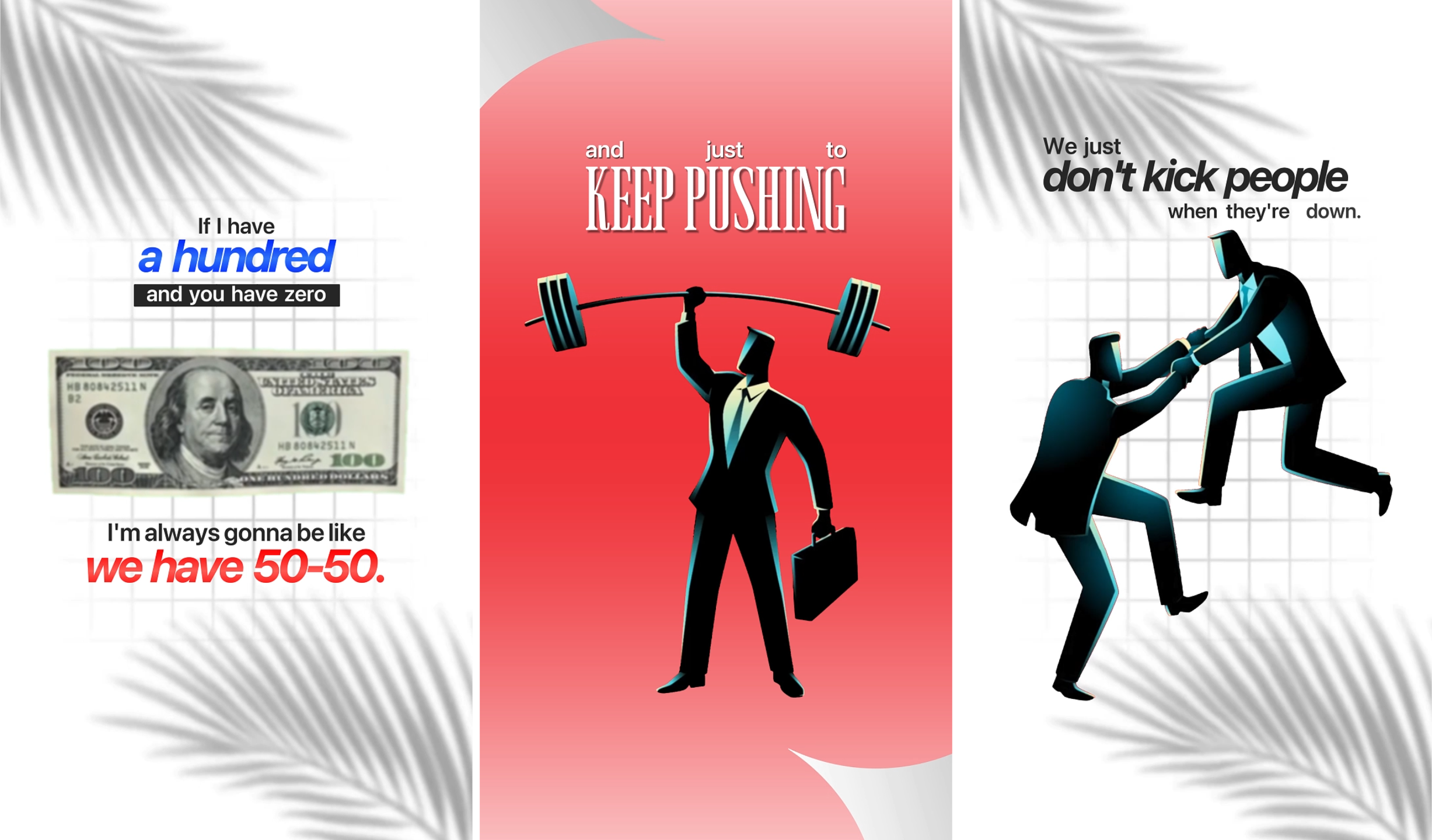
Retention is the metric that decides everything else: the algorithm, the ad revenue, the client renewals. And one of the fastest ways to move it is motion graphics.
Not flashy, distracting animation: small, purposeful on-screen elements that give the eye something new to track and reinforce what's being said. Done right, they buy you extra seconds every single scene.
Here are five overlays we build into almost every edit, and why each one works.
Animated Subtitles
Static, plain captions barely register anymore. Word-by-word animated subtitles: the kind that pop, scale, or highlight in sync with speech, hold attention because the text itself becomes part of the performance.
- One or two words on screen at a time, never full sentences.
- A single accent color for emphasis words.
- Consistent font and position across every video for brand recall.
This alone is often the biggest single retention lift we see on short-form content.
Zoom Punch-Ins
A slow, subtle zoom on a key sentence adds visual momentum to a static shot without needing a second camera angle. It mimics the energy of a live camera operator reacting to the conversation.
- The moment before a punchline or key insight
- Emotional or high-energy statements
- Transitions between topics
Keep the zoom small: 5 to 10% - so it reads as intentional, not jarring.
Kinetic Text Callouts
When a speaker mentions a number, a name, a product, or a stat, putting it on screen as a short animated callout gives viewers a visual anchor and makes the claim feel more credible.
- Trigger the callout the instant the word is spoken.
- Keep it on screen for 2-3 seconds, then let it exit cleanly.
- Use it sparingly: one or two per minute, not every sentence.
B-Roll Overlay Cuts
Cutting away to relevant footage: a product, a screen recording, a location shot — breaks up long stretches of talking-head footage and keeps the visual story moving forward.
- A speaker references something visual ("look at this")
- The same shot has run longer than 8-10 seconds
- Energy dips and the scene needs a reset
A well-timed cutaway can rescue an otherwise flat section of the conversation.
Progress & Pattern Interrupts
Small recurring visual cues: a progress bar, a numbered-list overlay, a countdown - give viewers a reason to stay until the end because they can see how much is left.
- "Tip 2 of 5" style counters on listicle content
- A subtle progress bar for tutorials and breakdowns
- A quick pattern interrupt (sound, flash cut, or graphic) every 20-30 seconds
These cues work because they set an expectation: and people naturally want to see things through to completion.
Final Thoughts
None of these tricks require expensive plugins or hours of extra work. What matters is applying them with intention - every overlay should earn its place by adding clarity or energy, not just decoration.
Stack a couple of these into your next edit and track the retention graph. Most creators see a measurable lift within the first few videos.
Want Your Videos Edited Like This?
At Histree Studios, we build motion graphics and retention-focused editing into every video we deliver.
- Motion graphics & overlays
- Animated subtitles
- Short-form content creation
- B-roll sourcing & editing
- YouTube optimization
- Thumbnail design
Ready to Build Your
Content System?
Book a free 30-minute strategy call - no pressure, just a clear plan for your next 90 days.